

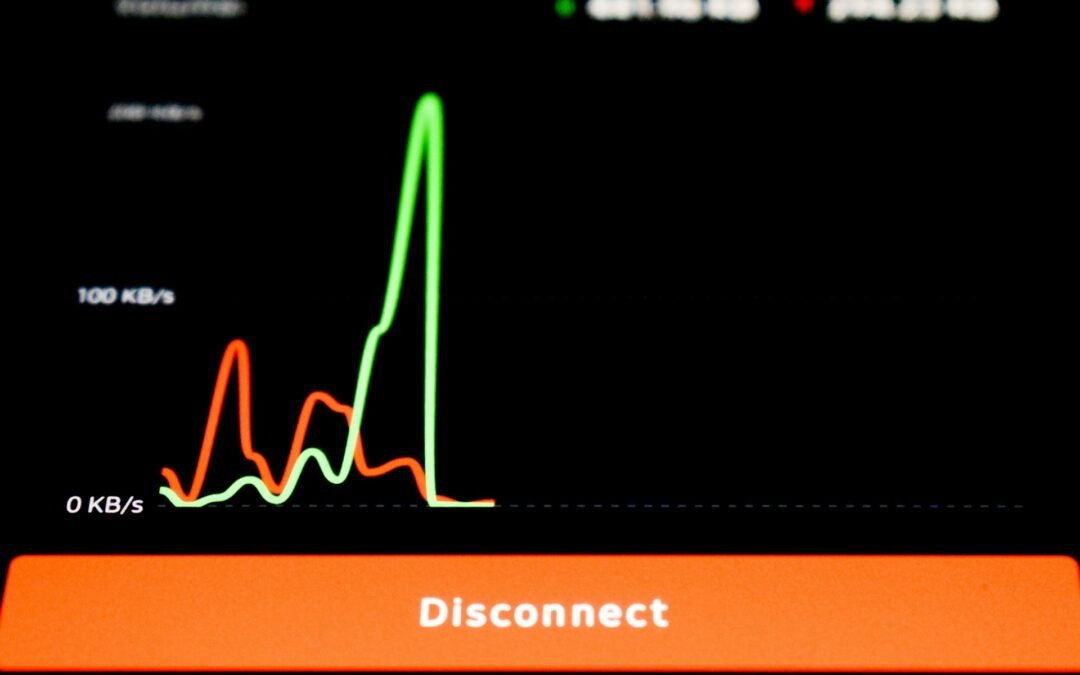
Lag spikes can ruin gaming sessions, video calls, and even basic online tasks. Many users search for how to fix lag spikes when sudden delays or freezes appear without warning. These interruptions usually happen due to network instability, background processes, outdated drivers, or hardware limitations. This guide explains the most common causes of lag spikes and provides practical solutions that anyone can apply. Instead of complex technical steps, the focus is on simple fixes that improve performance and reduce sudden slowdowns. Understanding why lag spikes occur is the first step toward creating a smoother and more reliable experience.
What Are Lag Spikes and Why Do They Happen?
Lag spikes are sudden drops in performance that cause delays, freezing, or stuttering. They usually occur when your system or internet connection cannot keep up with real-time data demands. Common causes include unstable internet connections, high background usage, overheating hardware, or outdated software. Even a small issue, such as automatic updates running in the background, can trigger noticeable lag at critical moments.
How to Fix Lag Spikes in Network Connections
Network-related issues are one of the main reasons users experience lag. Restarting your router can help refresh the connection and clear temporary errors. Using a wired Ethernet connection instead of Wi-Fi often provides more stability. You should also limit the number of devices connected to the same network while gaming or streaming. These steps are simple but effective when learning how to fix lag spikes caused by internet problems.
System and Software Optimization Tips
Lag spikes can also be caused by system overload. Closing unnecessary background applications frees up memory and processing power. Keeping your operating system and drivers updated ensures better compatibility and performance. Reducing in-game graphics settings can help older systems run more smoothly. Proper ventilation and cooling are also important, as overheating can reduce system performance suddenly.
When Hardware Becomes the Limiting Factor
In some cases, lag spikes occur because the hardware is no longer sufficient for modern applications. Low RAM, slow storage, or aging processors can struggle with demanding tasks. Upgrading components like RAM or switching to an SSD can significantly reduce performance drops. Identifying hardware limits is essential when other fixes do not work.
Should You Troubleshoot or Upgrade?
Knowing how to fix lag spikes helps users decide whether troubleshooting is enough or an upgrade is necessary. If basic fixes improve performance, upgrades may not be required. However, consistent lag may indicate it is time to invest in better hardware.
Final Thoughts
Lag spikes can feel random, but they usually have clear underlying causes. Small adjustments such as improving network stability, managing background tasks, and keeping software updated can make a noticeable difference. In many cases, performance issues can be resolved without spending money on new hardware. Taking time to identify patterns and test basic fixes helps prevent future interruptions. A smooth and stable system not only improves gaming but also enhances overall productivity and online experiences.Lag spikes are frustrating but often fixable with the right approach. By checking network stability, optimizing system settings, and understanding hardware limitations, users can significantly reduce performance interruptions. Applying these steps helps create a smoother and more reliable experience across gaming, streaming, and everyday use.
Photo by lonely blue on Unsplash