
Introduction to Freelancing Tools
In today’s competitive digital landscape, freelancers must leverage every advantage available to remain productive, organized, and profitable. The right freelancing tools can make the difference between a thriving independent career and a chaotic, inefficient workday. Whether you are a graphic designer, content writer, software developer, or marketing consultant, equipping yourself with the appropriate tools is an essential step toward professional success.
This article explores the most effective and widely used freelancing tools across various categories, helping you identify which solutions best align with your workflow and business objectives.
Project Management and Organization Tools
Staying organized is one of the biggest challenges freelancers face. This is especially true when managing multiple clients and deadlines. Project management tools help freelancers stay organized. They provide a clear framework for tracking tasks, setting milestones, and monitoring progress.
- Trello: A visual, card-based project management platform that allows freelancers to organize tasks into boards, lists, and cards. Its intuitive drag-and-drop interface makes it easy to monitor the status of every project at a glance.
- Asana: Asana is a comprehensive project management solution. It supports task assignments, deadline tracking, and team collaboration. It is particularly useful for freelancers who work with remote teams or agencies.
- Notion: Notion is an all-in-one workspace. It combines note-taking, project management, and database functionalities. It is highly customizable and can suit almost any freelancing workflow.
- ClickUp: ClickUp is a robust project management platform. It offers time tracking, goal setting, and task prioritization features. It is ideal for freelancers who manage complex, multi-faceted projects.
Using one of these tools can improve your daily workflow. It can also reduce the risk of missed deadlines and improve overall efficiency.
Time Tracking and Invoicing Tools
Accurate time tracking and timely invoicing are fundamental to maintaining a healthy freelance business. Without reliable systems in place, it is easy to undercharge clients or lose track of billable hours.
- Toggl Track: One of the most popular time tracking applications available, Toggl Track enables freelancers to log hours effortlessly across multiple projects and generate detailed reports for client billing purposes.
- Harvest: A time tracking and invoicing tool that seamlessly integrates with popular project management platforms. Harvest allows you to convert tracked hours directly into professional invoices.
- FreshBooks: A comprehensive accounting and invoicing solution designed specifically for freelancers and small business owners. FreshBooks automates recurring invoices, tracks expenses, and provides insightful financial reports.
- Wave: A free accounting tool that offers invoicing, expense tracking, and receipt scanning functionalities — an excellent option for freelancers operating on a tight budget.
Implementing a reliable time tracking and invoicing system ensures that you are always compensated fairly for your work and that your financial records remain accurate and organized.
Communication and Collaboration Tools
Effective communication is the cornerstone of any successful freelance relationship. Maintaining clear, professional, and timely communication with clients helps build trust and prevents misunderstandings that could jeopardize a project.
- Slack: A widely adopted messaging platform that facilitates real-time communication through organized channels. Slack is particularly beneficial for freelancers embedded in client teams or collaborative projects.
- Zoom: A leading video conferencing tool that enables freelancers to conduct professional virtual meetings, client presentations, and progress updates from anywhere in the world.
- Microsoft Teams: A comprehensive collaboration platform that combines chat, video calling, file sharing, and document collaboration within a single interface.
- Google Meet: A straightforward and reliable video conferencing solution that integrates seamlessly with Google Workspace, making it convenient for freelancers already using Google’s suite of tools.
Selecting the right communication tools based on your clients’ preferences will help foster stronger professional relationships and contribute to smoother project execution.
File Storage and Document Management Tools
Secure and accessible file storage is a critical consideration for freelancers who handle sensitive client data, large design files, or extensive documentation. Cloud-based storage solutions ensure that your files are always backed up and accessible from any device.
- Google Drive: Offers generous free storage capacity and seamlessly integrates with Google Docs, Sheets, and Slides, enabling real-time document collaboration with clients and colleagues.
- Dropbox: A trusted cloud storage platform known for its reliable file synchronization, easy sharing capabilities, and robust security features.
- OneDrive: Microsoft’s cloud storage solution that integrates natively with Windows and Microsoft Office applications, making it a convenient choice for freelancers working within the Microsoft ecosystem.
- Box: A cloud content management platform that offers advanced security controls and compliance features, making it suitable for freelancers working with enterprise-level clients.
Design and Creative Tools
For freelancers operating in creative fields, access to professional-grade design tools is non-negotiable. The right creative software can enhance the quality of your deliverables and differentiate your work from that of competitors.
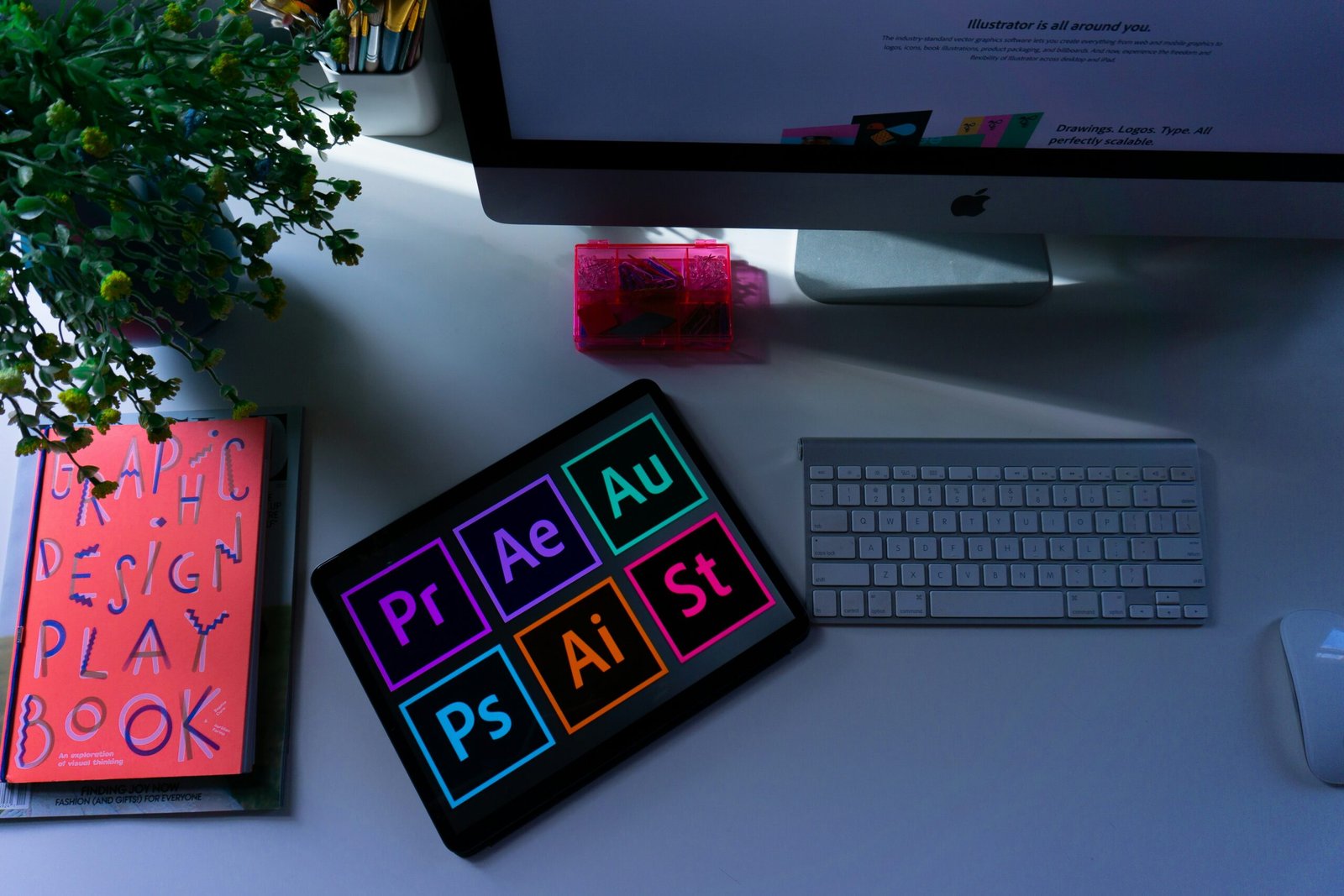
- Adobe Creative Cloud: The industry-standard suite for graphic designers, photographers, videographers, and other creative professionals. It includes Photoshop, Illustrator, Premiere Pro, and many other powerful applications.
- Canva: An accessible and user-friendly design platform that allows freelancers to create professional-quality graphics, presentations, and social media content without advanced design skills.
Photo by Emily Bernal on Unsplash
