
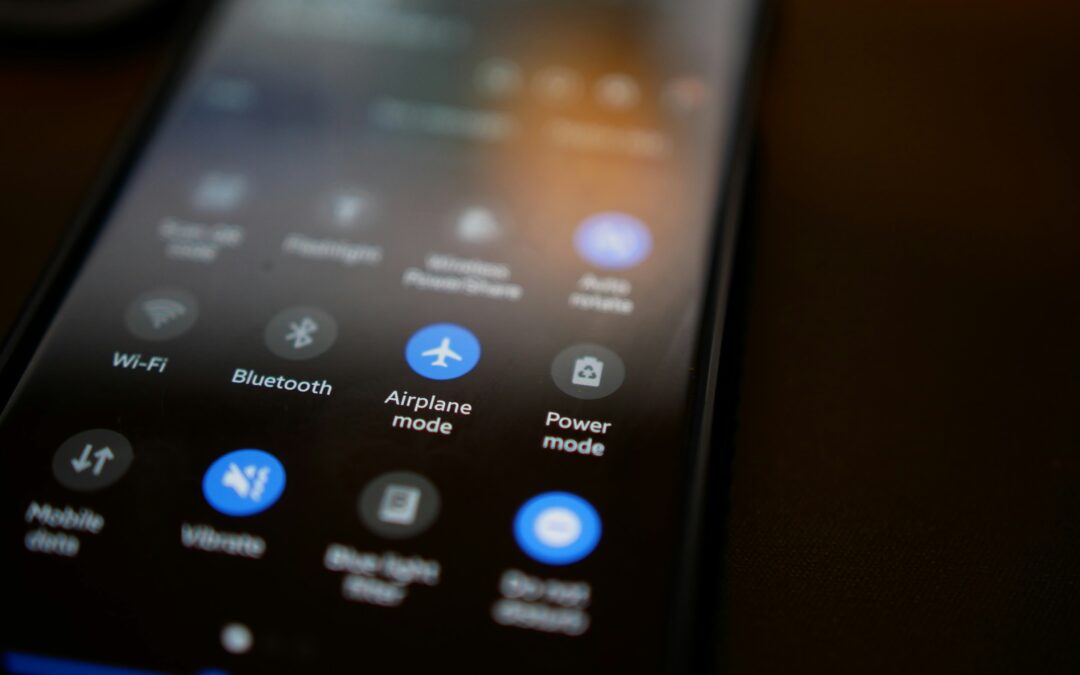
Battery life is a major concern for smartphone users, especially as we depend on our devices for communication, navigation, work, and entertainment throughout the day. When a phone’s battery drains faster than expected, people often look for simple ways to extend its usage time. One commonly suggested solution is turning on airplane mode. While this feature was originally designed to disable wireless signals during flights, it is now widely used as a battery-saving option in everyday situations. But does airplane mode save battery, or is it just another smartphone myth? Understanding how airplane mode works and how it affects power consumption can help you decide when it’s worth using. In this article, we’ll explain what airplane mode does, why it can reduce battery drain, and when it’s most effective for preserving battery life.
What Is Airplane Mode?
Airplane mode is a setting on smartphones, tablets, and laptops that turns off all wireless communication features at once. When enabled, it disables cellular networks, mobile data, Wi-Fi, and Bluetooth, preventing the device from sending or receiving signals. The feature was originally designed for use during flights to avoid interference with aircraft systems. Today, airplane mode is also commonly used to save battery life, reduce distractions, or use a device offline. Even while airplane mode is on, users can manually re-enable Wi-Fi or Bluetooth if needed, while keeping cellular connections turned off.
Does Airplane Mode Actually Save Battery?
Yes, airplane mode does save battery by reducing your phone’s power usage. When airplane mode is enabled, your device stops searching for cellular networks, Wi-Fi connections, and Bluetooth signals, which are major sources of battery drain. This is especially helpful in areas with weak network coverage, where phones consume more energy trying to stay connected. By turning off these wireless radios, background activity is minimized and the battery drains more slowly. Airplane mode is most effective when you are not actively using your phone, such as overnight, while traveling, or when your battery is running low, and you need to conserve power for longer use.
Why Does Airplane Mode Save Battery?
Airplane mode saves battery because it stops your device from using power to maintain wireless connections. Normally, your phone constantly communicates with cellular towers, Wi-Fi networks, and Bluetooth devices, even when you are not actively using it. This background activity consumes a significant amount of energy, especially in areas with poor signal strength. When airplane mode is turned on, all these wireless radios are disabled, preventing the phone from searching for signals or syncing data in the background. As a result, overall power consumption is reduced, allowing the battery to last longer. This makes airplane mode an effective option for conserving battery when connectivity is not needed.
When Airplane Mode Is Most Effective
Airplane mode is most effective in situations where wireless connectivity is unnecessary or unreliable. It works especially well when you are traveling through areas with poor or no network coverage, as your phone otherwise uses extra power searching for signals. Using airplane mode overnight can also reduce unnecessary battery drain from background syncing and notifications. It is helpful during long flights, meetings, or periods of rest when you do not need calls or messages. Additionally, airplane mode is useful when your battery is critically low and you need to conserve power for essential use later.
Can You Still Use Your Phone in Airplane Mode?
Yes, you can still use your phone in airplane mode, but with some limitations. While cellular calls, text messages, and mobile data are disabled, many features continue to work. You can access offline apps, read downloaded content, listen to stored music, take photos, and use notes or productivity tools. In most smartphones, you can also manually turn Wi-Fi or Bluetooth back on while keeping airplane mode enabled, allowing you to browse the internet on Wi-Fi or connect to wireless accessories. This makes airplane mode useful not only for saving battery but also for focused, distraction-free phone use.
When Airplane Mode Doesn’t Help Much
Airplane mode doesn’t help much when battery drain is caused by factors other than wireless connectivity. For example,
- Keeping the screen on for long periods
- Using high screen brightness
- Gaming
- Running power-intensive apps
Background apps that consume processing power, such as video editing or offline games, also reduce battery life. In these cases, the main sources of power consumption are the display and the processor, not network activity. To see better battery savings, airplane mode should be combined with actions like lowering screen brightness, closing unused apps, and limiting heavy usage.
Compare With Other Battery-Saving Methods
There are several ways to reduce battery drain on smartphones, but each method works differently. Comparing airplane mode with other battery-saving options helps you understand which setting is most effective depending on your usage, connectivity needs, and battery condition.
1. Airplane Mode vs. Battery Saver
Airplane mode saves more battery by completely turning off cellular, Wi-Fi, and Bluetooth connections, stopping signal searching. Battery Saver keeps connectivity on but limits background activity, reduces performance, and lowers brightness to extend battery life while remaining usable.
2. Airplane Mode vs Turning Off Mobile Data
Airplane mode conserves more battery by disabling cellular networks, Wi-Fi, and Bluetooth entirely. Turning off mobile data only blocks internet usage, allowing calls and messages to function, but still consumes power maintaining cellular network connections.
3. Airplane Mode + Low Brightness
Combining airplane mode with low screen brightness is an effective way to save battery. Airplane mode stops wireless signal activity, while reducing brightness lowers screen power usage, together minimizing two of the biggest causes of battery drain.
Final Thoughts
So, does airplane mode save battery? Absolutely. It is one of the most effective ways to reduce battery drain when you don’t need an active connection. By turning off cellular networks, Wi-Fi, and Bluetooth, your phone stops searching for signals and syncing data in the background, which helps conserve power. This makes airplane mode especially useful during travel, overnight while sleeping, or in areas with poor network coverage. It’s also a smart option when your battery is running low, and you need it to last longer. When used thoughtfully, airplane mode can make a noticeable and reliable difference in extending your phone’s battery life throughout the day.
Photo by Sten Ritterfeld on Unsplash