
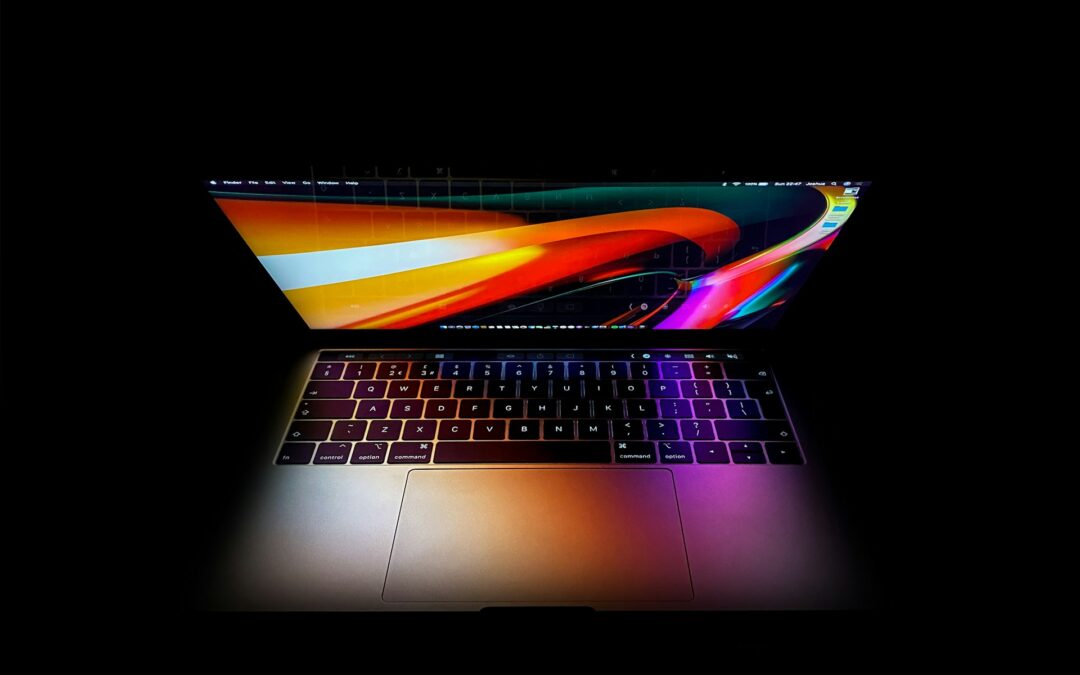
The MacBook Pro is a powerful and reliable laptop widely used by professionals, students, and creative users. As software becomes more advanced and demanding, many users begin to question whether their device can keep up with heavy multitasking and performance-intensive tasks. This often leads to the important question: Can You Upgrade RAM on a MacBook Pro? Understanding how RAM works in a MacBook Pro and whether it can be upgraded is essential before attempting any hardware changes. This article explains which MacBook Pro models support RAM upgrades, why newer models do not, and what alternatives are available to improve performance.
RAM Upgrade Options on a MacBook Pro
MacBook Pro laptops are widely used for professional and everyday computing due to their strong performance and refined design. As applications become more demanding, many users look for ways to improve speed and multitasking, which often leads to interest in RAM upgrades. The ability to upgrade RAM on a MacBook Pro depends entirely on the model and year of the device.
The Role of RAM in a MacBook Pro
RAM plays a crucial role in how efficiently a MacBook Pro runs applications and manages multiple tasks at once. When a system has sufficient memory, it can keep more applications active without slowing down. Insufficient RAM, on the other hand, may cause lag, slower load times, and frequent system slowdowns, especially when running resource-intensive software.
MacBook Pro Models That Support RAM Upgrades
Only older MacBook Pro models support RAM upgrades. Non-Retina MacBook Pro models released before 2012 were designed with accessible memory slots, allowing users to physically replace or add RAM modules. Upgrading RAM on these devices can noticeably improve performance and extend their usable lifespan.
MacBook Pro Models With Non-Upgradeable RAM
Most MacBook Pro models released after 2012 do not allow RAM upgrades. This includes Retina models, Touch Bar models, and all Apple Silicon MacBook Pro versions. In these devices, the RAM is soldered directly onto the logic board, which means it cannot be removed or upgraded after purchase.
Reasons for Soldered RAM in Newer MacBook Pro Models
Apple uses soldered RAM to improve overall system performance and energy efficiency. This design allows faster communication between components and helps reduce power consumption. It also enables slimmer designs but removes the flexibility of upgrading memory later.
Identifying RAM Upgrade Support on Your MacBook Pro
You can determine whether your MacBook Pro supports RAM upgrades by checking the model year and hardware details in the “About This Mac” section. Comparing this information with official Apple specifications will confirm whether the memory is upgradeable or permanently fixed.
Performance Optimization for Non-Upgradeable MacBook Pro Models
If your MacBook Pro does not support RAM upgrades, improving performance requires optimizing usage instead. Managing background applications, keeping macOS updated, and freeing up storage can help reduce memory pressure. For long-term needs, selecting a MacBook Pro with higher RAM at the time of purchase is essential.
Value of RAM Upgrades on Older MacBook Pro Models
For older, supported models, upgrading RAM is often worthwhile. It can improve multitasking performance, reduce lag, and extend the life of the device at a relatively low cost compared to replacing the entire laptop.
Final Thoughts
Whether RAM can be upgraded on a MacBook Pro depends on the specific model. Older non-Retina models allow memory upgrades, while modern MacBook Pro models do not. Can You Upgrade RAM on a MacBook Pro? Users should choose the right RAM capacity at the time of purchase since it cannot be changed later. If your MacBook supports upgrades, increasing RAM can significantly improve multitasking and overall system speed. Understanding these limitations helps users make informed decisions about performance improvements, device maintenance, and future purchases.